Flow / Screen Examples
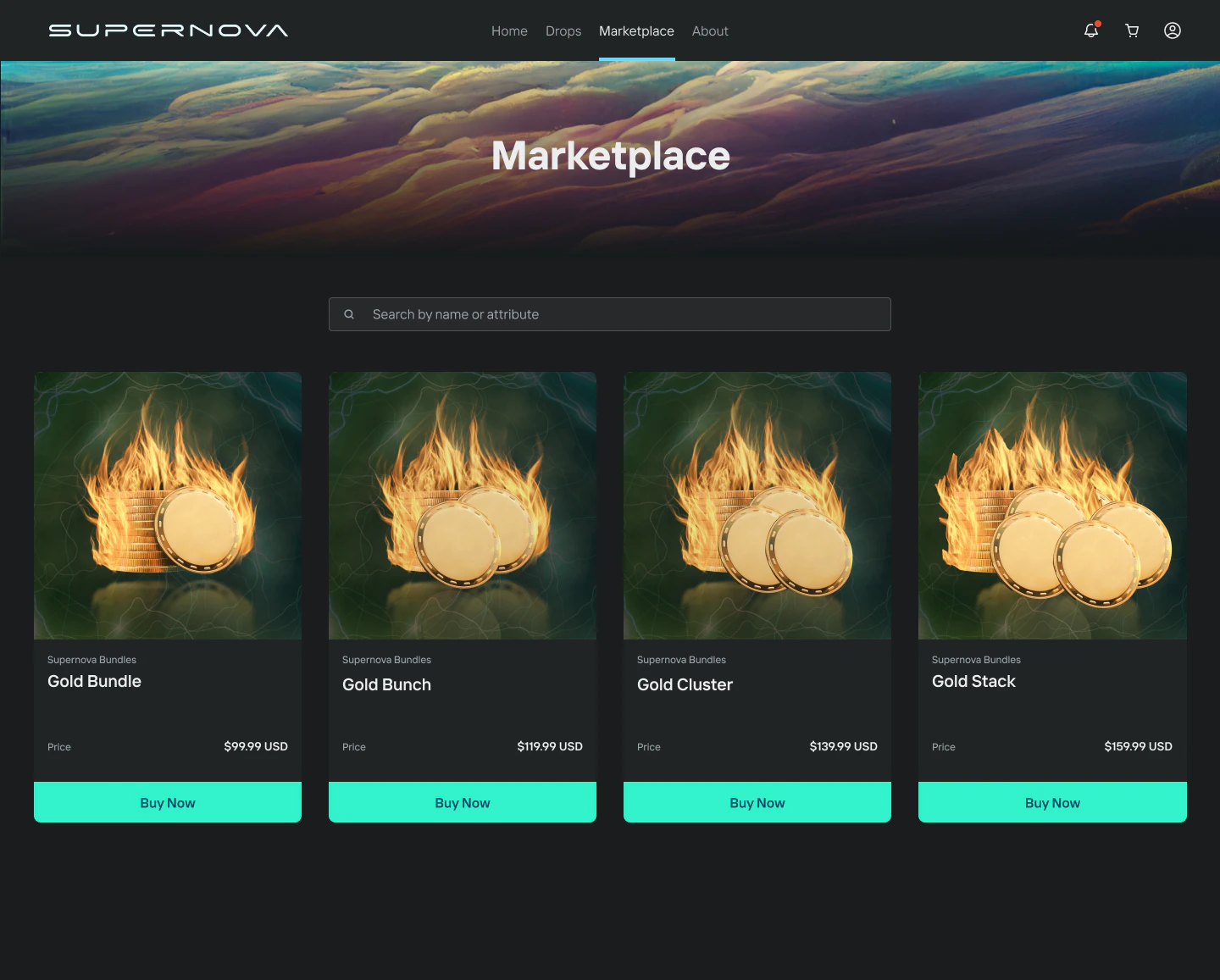
This scenario assumes the user chooses to pay with a credit or debit card.Marketplace / Game The user views items for sale in the marketplace or game. Clicking to purchase opens the Forte Payments widget.
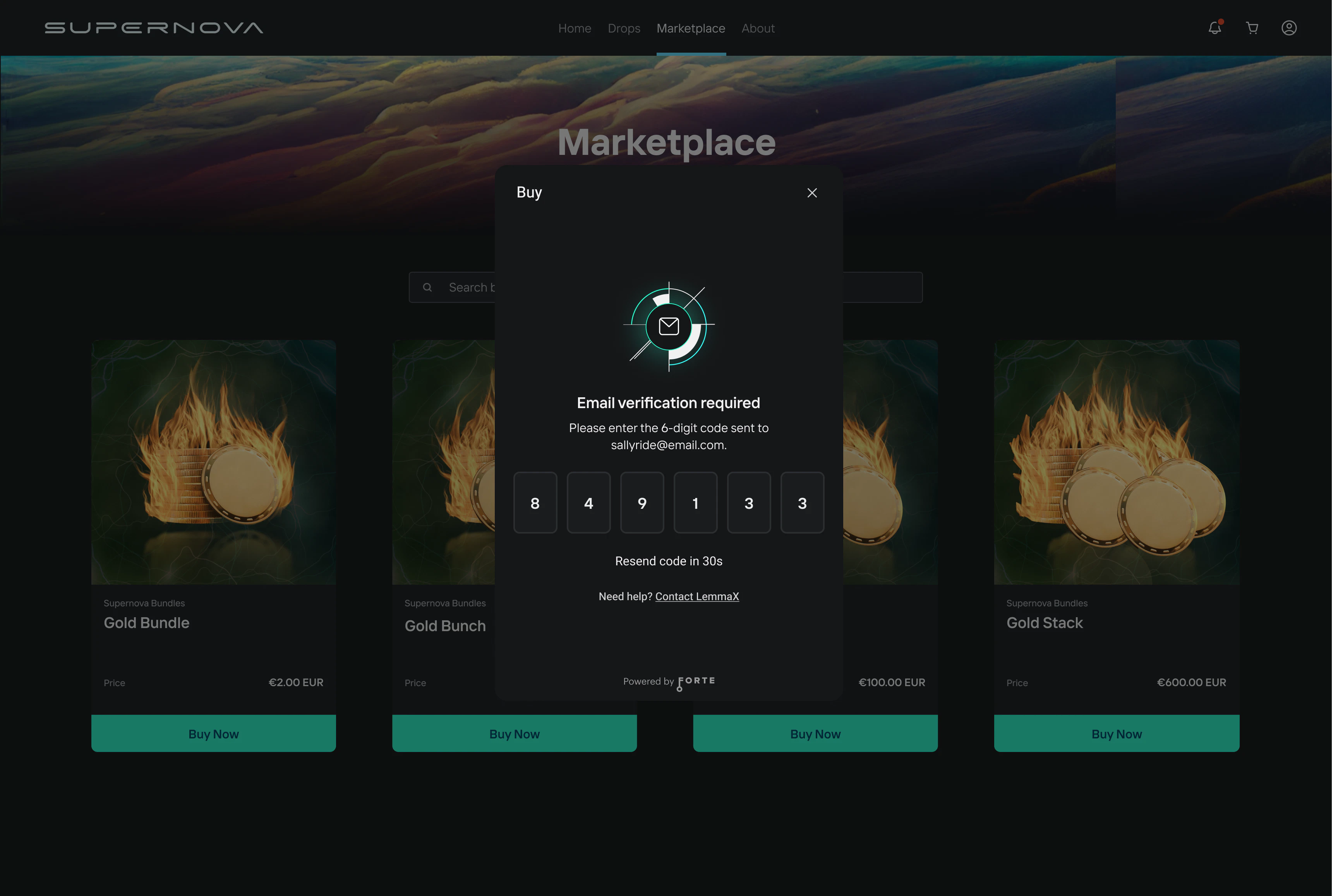
Screen 1 — Email Verification The user is presented with an email verification screen. They must verify that they own the email address associated with their marketplace or game account.
If
email is not passed in the payment intent request (and wallet is passed instead), the user will be prompted to enter and verify their email on their first payment. That email is then linked for all future sessions.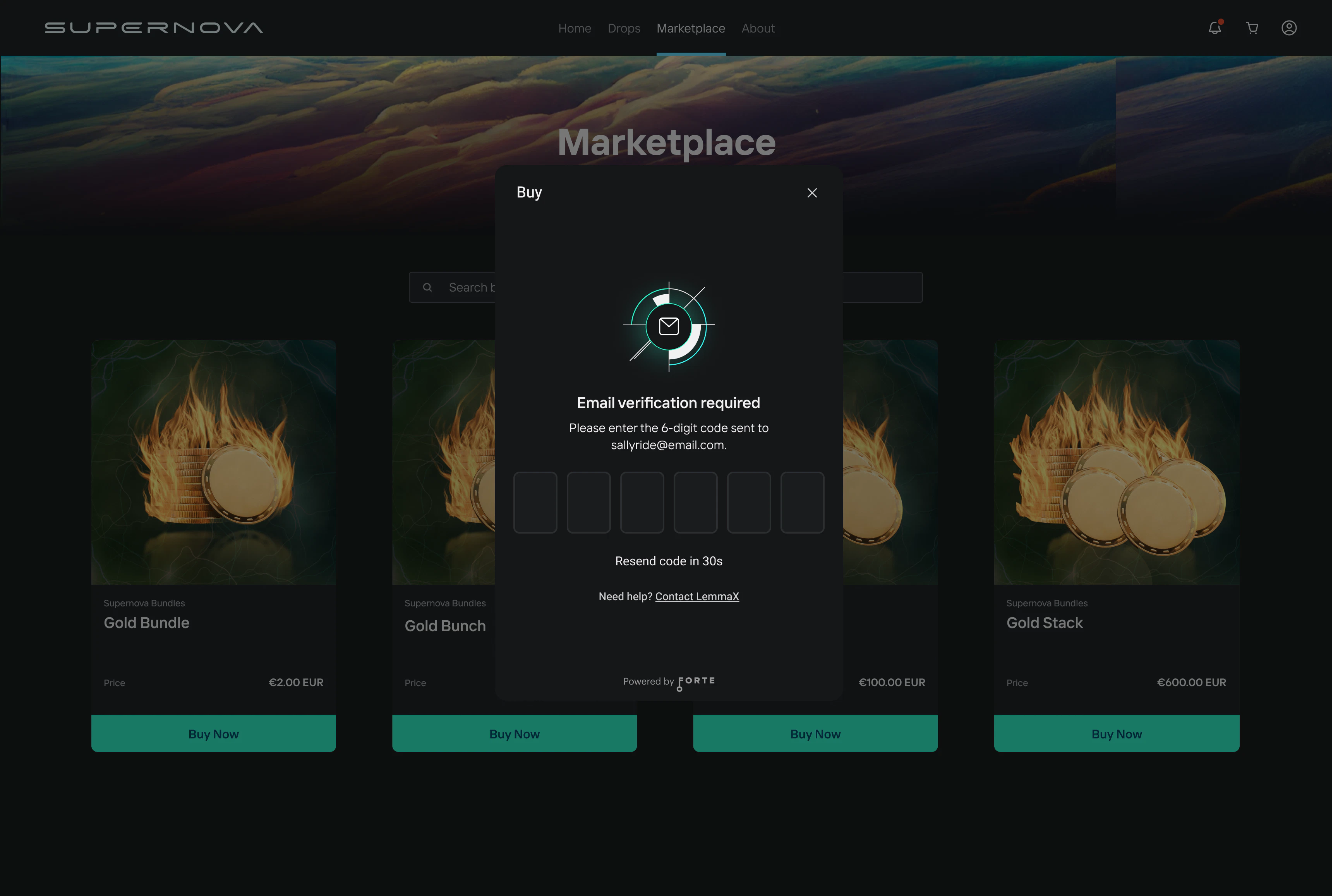
In the sandbox environment, use OTP code 947293 to bypass email verification. Emails are only sent in the production environment.
Screen 2 — OTP Entry The user enters the verification code sent to their email to complete email verification.
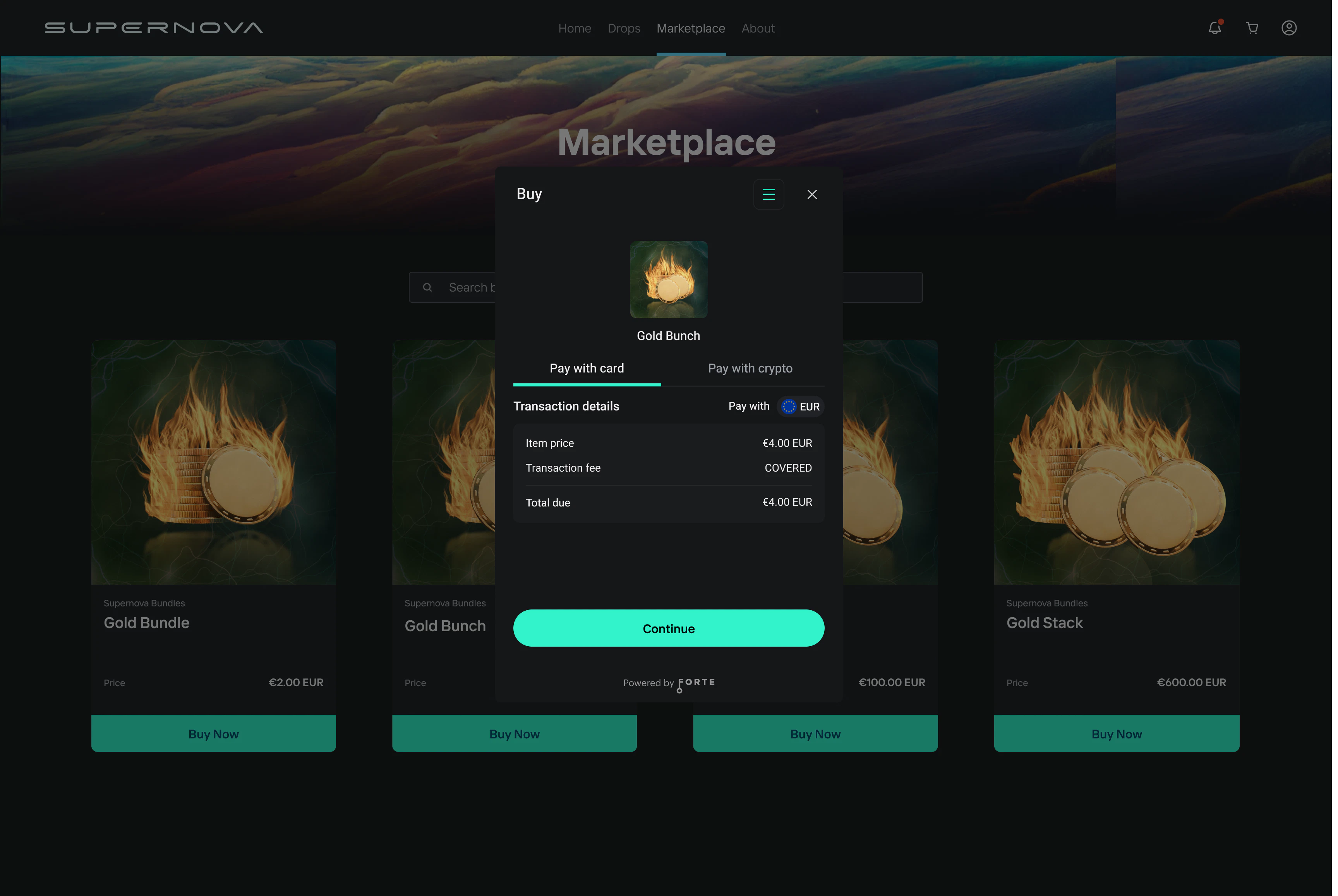
Screen 3 — Purchase Summary The user is presented with a purchase summary showing transaction details. They select Pay with card to continue.
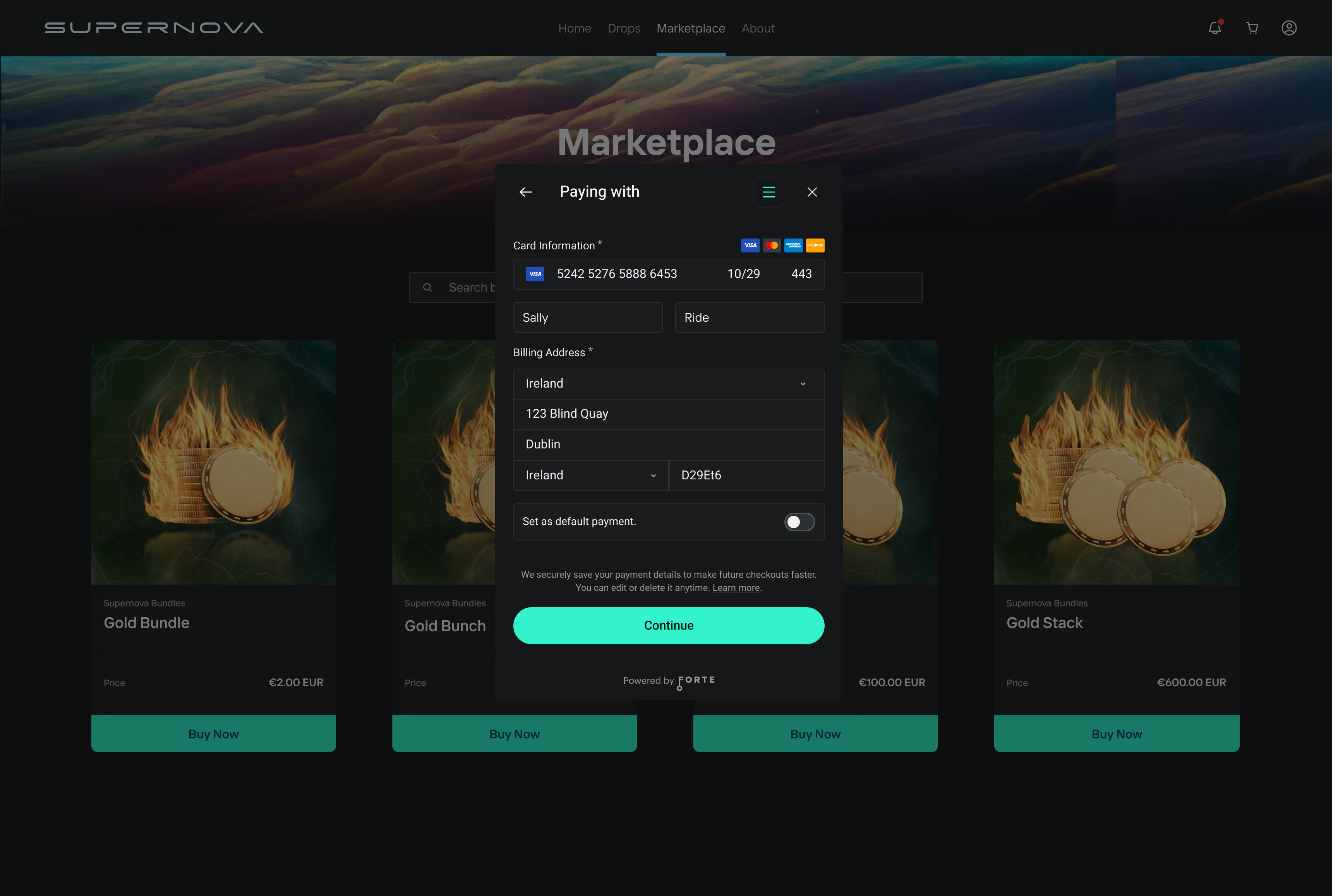
Screen 4 — Card Entry The user enters their credit or debit card details and billing information, then clicks Continue.
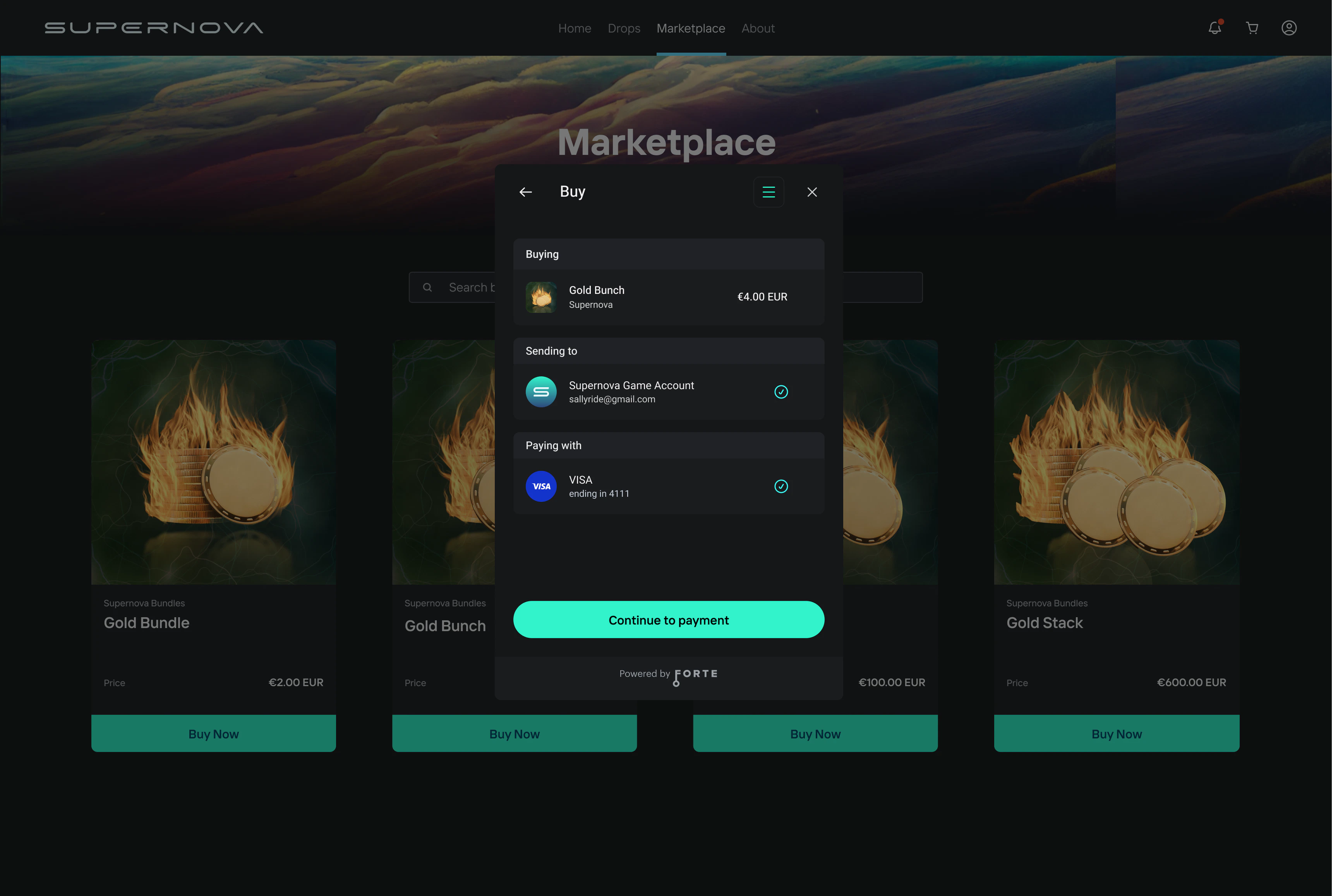
Screen 5 — Transaction Review The user sees a complete breakdown of the transaction before confirming:
- Buying — the item being purchased
- Sending to — the destination account receiving the asset
- Paying with — the selected payment method
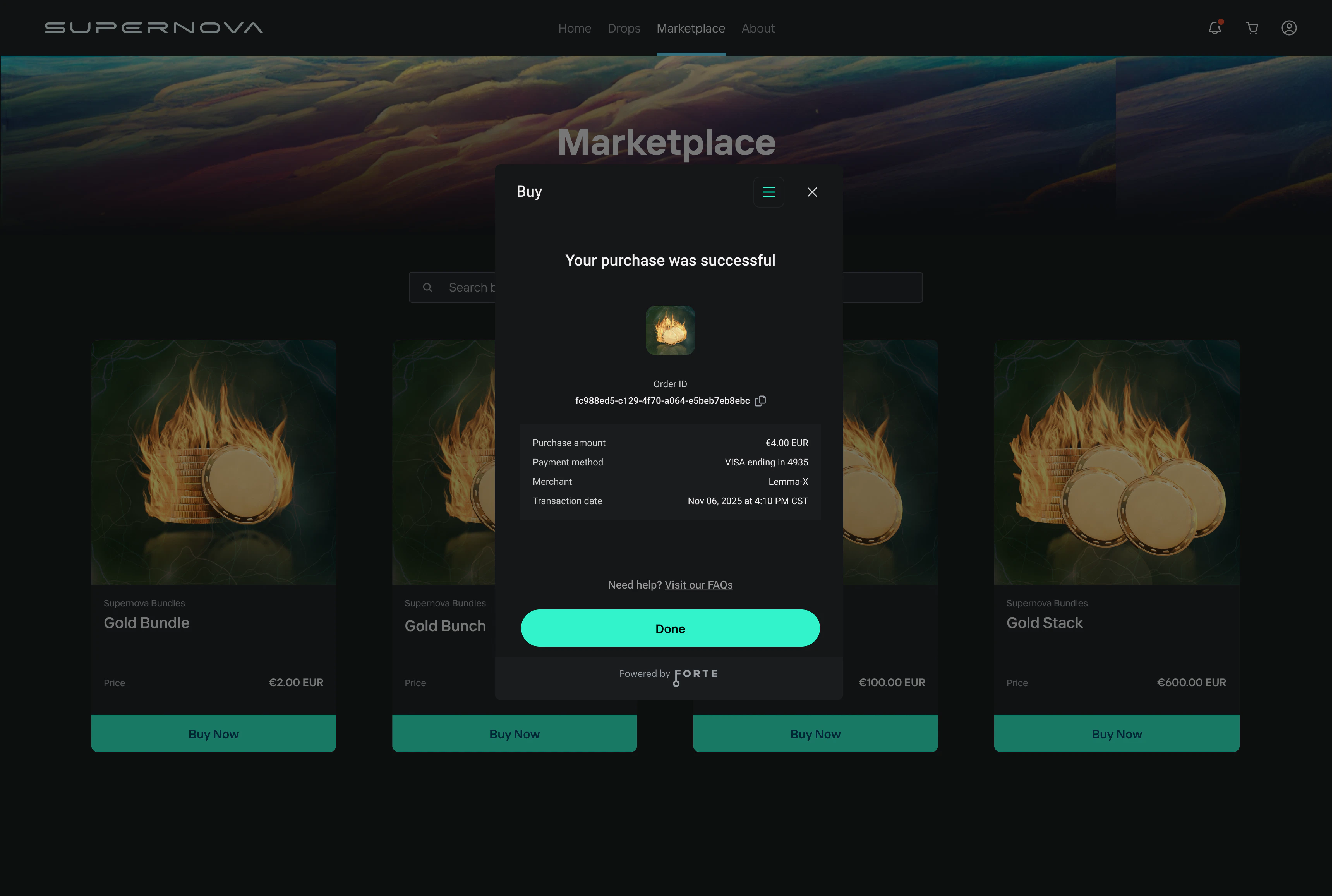
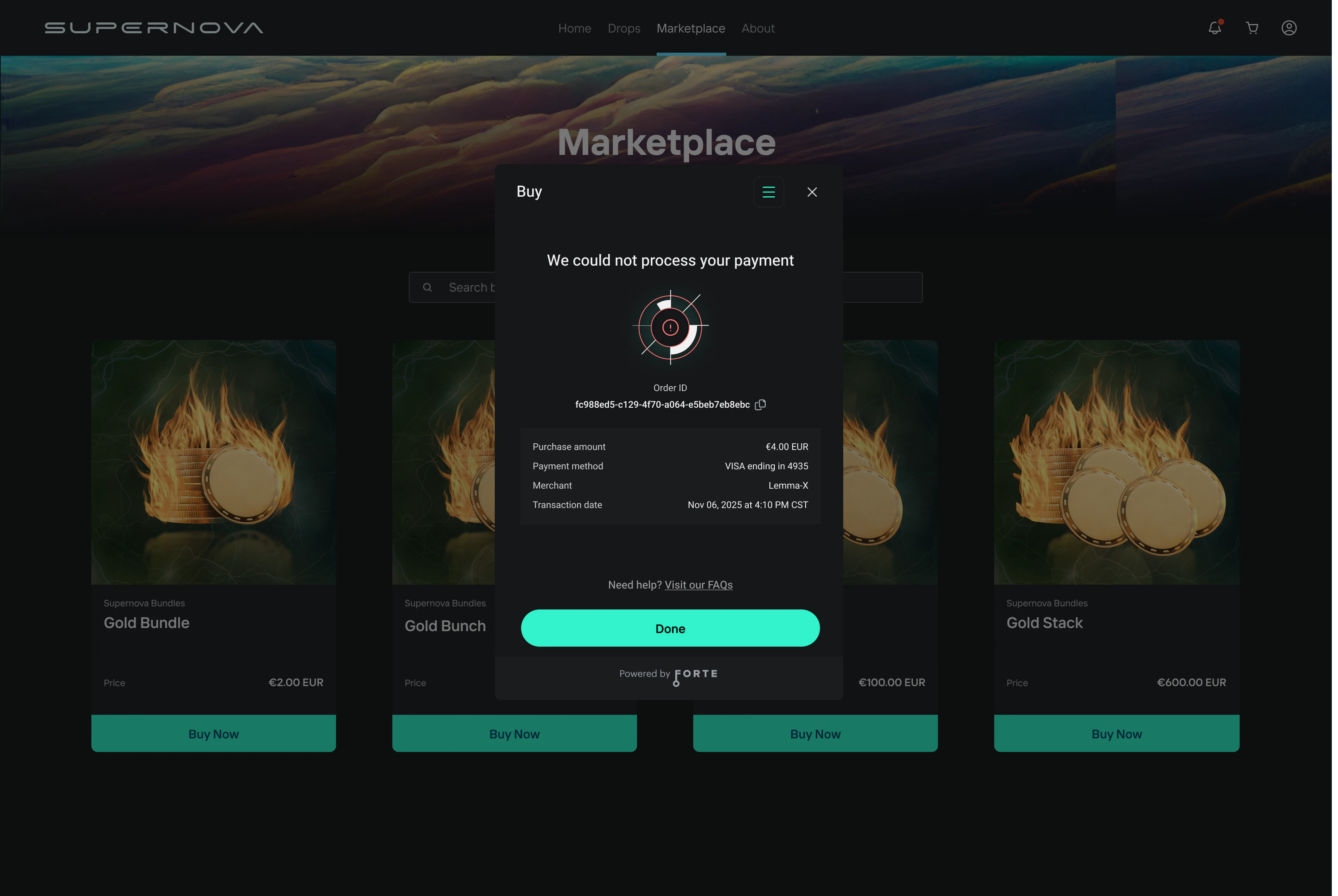
Screen 6 — Confirmation Once the payment is processed, the user sees a confirmation screen. The user also receives an email receipt. Success — Payment processed. The user is shown a success message and Order ID.